Computer Equipment Cleaning Service for Offices
A keyboard shared between shifts, a monitor positioned beside a busy reception desk and a laptop moved from meeting to meeting can collect more than a standard office-cleaning routine is designed to address. A professional computer equipment cleaning service gives facilities teams a controlled way to maintain high-touch technology without introducing moisture, damage or unnecessary disruption to the working day.
For London workplaces where technology supports every function, cleaning IT equipment is not a cosmetic extra. It contributes to employee confidence, workplace presentation and the dependable day-to-day operation of the office. The right approach needs to protect both the people using the equipment and the equipment itself.
Why IT equipment needs specialist attention
Computers, monitors, keyboards, mice, desk phones, docking stations and printers are touched repeatedly throughout the day. Dust settles in ventilation points, fingerprints build up on screens and debris can collect between keys or around connections. In hot-desking environments, shared workstations and meeting-room equipment can quickly become a hygiene concern as well as a presentation issue.
General cleaning methods are not automatically suitable for these surfaces. Excess liquid can affect electrical components, abrasive materials can mark screens and poorly selected products may leave residues behind. Equipment may also have manufacturer guidance that needs to be respected. This is why computer cleaning should be planned as a specialist service, delivered by trained operatives using appropriate materials and controlled methods.
The operational benefit is straightforward: well-maintained equipment supports a workplace that looks cared for, feels ready for use and helps employees focus on their work. It also gives facilities managers confidence that a frequently overlooked part of the office environment is being managed responsibly.
What a computer equipment cleaning service should cover
The scope should reflect the technology on site, how it is used and the level of access available. In a corporate office, cleaning may focus on individual desk setups, shared meeting rooms, reception points and print areas. A more technical environment may require a carefully managed programme for server rooms, communications spaces or equipment cabinets.
A professional computer equipment cleaning service commonly addresses external surfaces such as monitors, screens, keyboards, mice, laptops, desk phones, printers and docking stations. It can also include the careful removal of surface dust from accessible vents and surrounding work areas. The purpose is not to dismantle equipment or replace IT maintenance, but to clean the areas that can be safely reached within an agreed method statement.
Before work begins, the cleaning provider should understand which equipment is in scope, when it can be accessed and whether particular controls apply. Some organisations require cleaning outside core hours; others need departments cleaned in phases to maintain service continuity. In sites handling confidential information, operatives must also work with discretion and follow site procedures around documents, screens and restricted areas.
Cleaning screens, keyboards and shared devices
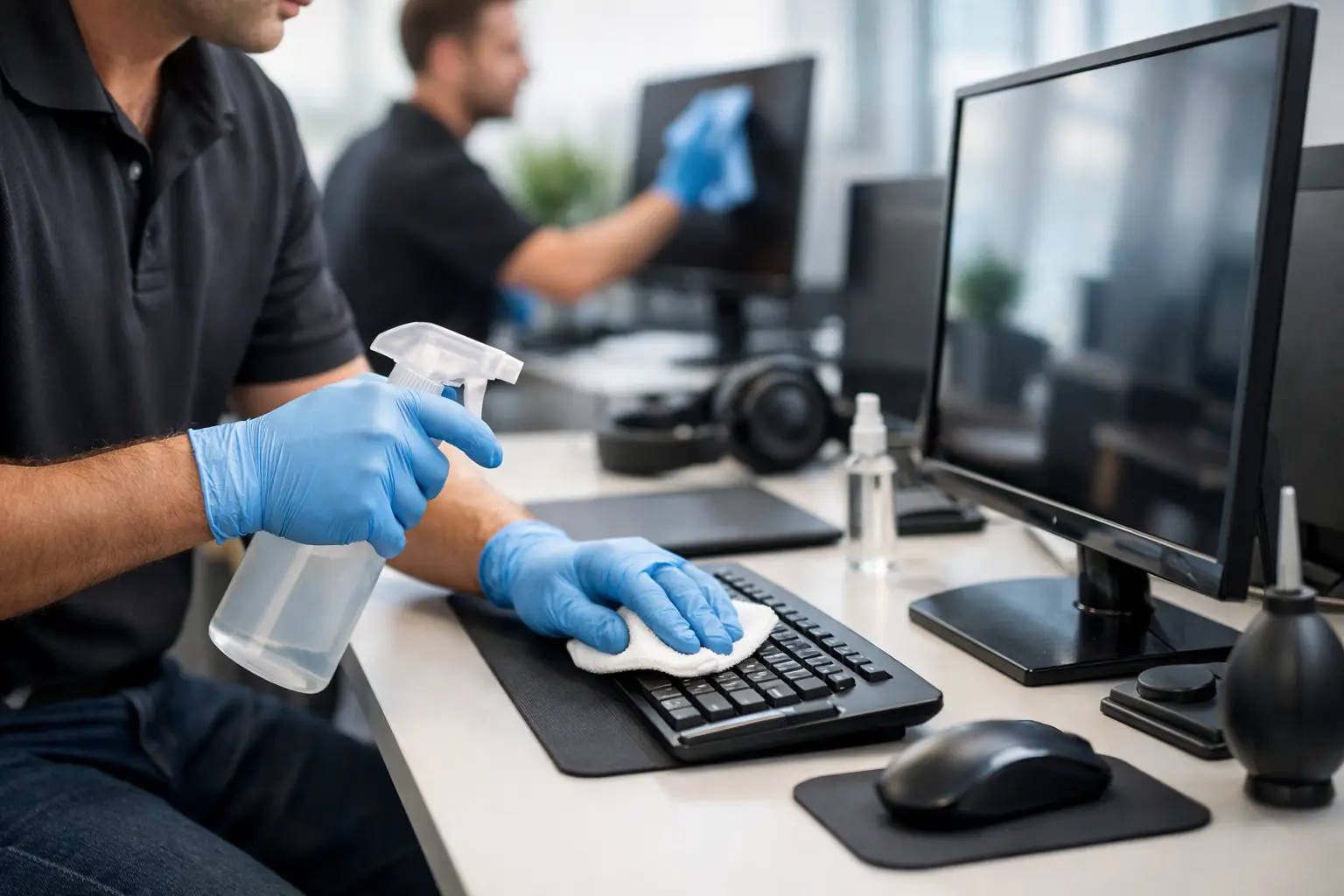
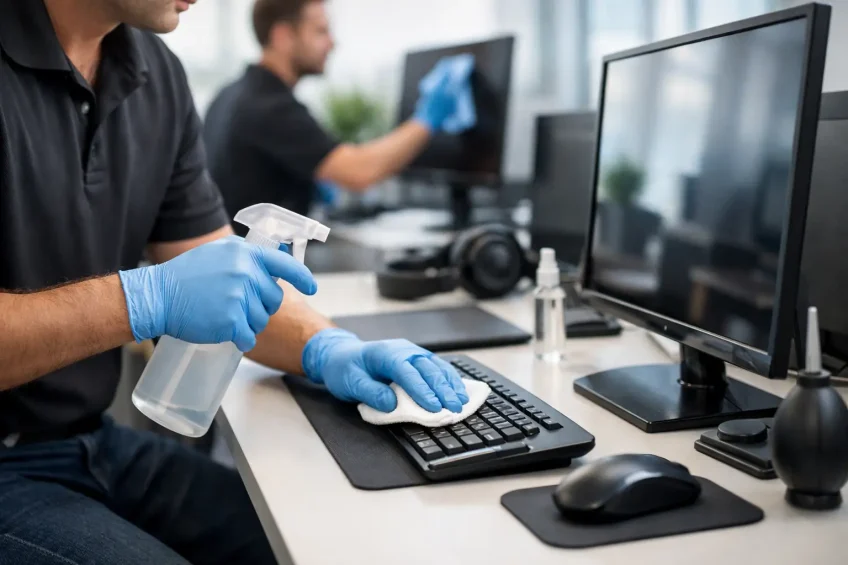
Screens need particular care. The wrong cloth or chemical can leave streaks, damage protective coatings or affect the clarity of the display. A suitable process uses soft, non-abrasive materials and minimal moisture, with products selected for electronic surfaces.
Keyboards and mice require a different approach because their shape creates small areas where dust and debris collect. Cleaning must be effective without allowing liquids into openings. Shared desk phones, touch panels and video-conferencing controls also deserve regular attention, particularly in client-facing spaces and meeting rooms used by multiple teams.
Server rooms require a separate plan
Server-room cleaning is not simply office cleaning in a more restricted space. Dust can affect airflow and contribute to heat retention around sensitive equipment, while inappropriate products or poor access controls can introduce avoidable risk. The room may have raised flooring, cable management, security requirements and strict rules about who may enter.
A suitable plan takes account of the environment, the equipment layout and the need to avoid disrupting critical systems. It should be coordinated with the client’s IT and facilities teams, with clear timings, access arrangements and quality checks. Where specialist methods are required, they should be agreed before work starts rather than improvised on site.
Hygiene without compromising equipment
Facilities managers are often balancing two legitimate priorities: improving hygiene standards and protecting valuable technology. The answer is not to apply more product. It is to use the correct process.
High-touch devices may need more frequent attention during periods of increased occupancy, illness or seasonal demand. However, frequency should be matched to actual use. A keyboard assigned to one employee has different needs from a shared reception terminal or a meeting-room control panel used by visitors throughout the day.
Cleaning and disinfection are also not identical. A cleaning programme removes visible soil and surface contamination, while an appropriate disinfection process is designed to reduce microorganisms on suitable surfaces. Not every device or finish should receive the same treatment. A knowledgeable provider will assess materials, manufacturer guidance and the intended outcome before recommending a method.
This measured approach avoids the common mistake of treating electronic equipment like standard hard surfaces. It supports hygiene objectives while respecting the limits of the equipment and the conditions of the workplace.
Planning around business continuity
The best specialist cleaning services make the facilities manager’s role easier because they fit around the operation, not the other way round. That begins with a site assessment and a documented plan covering the areas to be cleaned, the frequency, access requirements, approved materials and escalation procedures.
For a large office, phased cleaning may be the practical option. Teams can work floor by floor, zone by zone or outside working hours, reducing interruption to staff. For smaller premises, computer equipment cleaning can be integrated into a wider office-cleaning or periodic deep-clean programme. Neither model is automatically better; the right choice depends on occupancy patterns, the volume of shared equipment and the criticality of the technology.
Clear communication is particularly valuable where desks are occupied, devices are in active use or equipment belongs to specific departments. Employees should know what to expect, and the cleaning team should know when to stop and seek guidance. A reliable provider does not assume access or take risks with connected equipment.
The standards behind dependable delivery
Specialist cleaning depends on more than the products used. It relies on trained operatives who understand safe working practices, COSHH requirements, site security and the difference between a standard desk clean and the careful treatment of electronics.
Quality control should be visible in the service, not confined to a document. Regular inspections, reporting routes and responsive contract management help ensure that agreed standards are maintained over time. This matters in multi-floor offices, managed properties and high-profile corporate environments where a missed area can undermine confidence in the wider cleaning programme.
Environmental responsibility also has a role. Using suitable products in controlled quantities, avoiding unnecessary waste and selecting reusable materials where appropriate can support workplace cleaning standards without creating avoidable environmental impact. Formal management systems such as ISO 9001, ISO 14001 and ISO 45001 provide useful assurance that quality, environmental and health-and-safety practices are being managed systematically.
Choosing the right service partner
When assessing a provider, ask how they will protect equipment, how operatives are trained and how the service will be monitored. It is also sensible to establish what is included, what requires IT-team involvement and how the provider will handle specialist areas such as server rooms or restricted departments.
Experience in commercial premises matters because workplace technology is rarely isolated from the wider operation. A cleaning team may need to work around meetings, security procedures, flexible seating arrangements and tenant expectations. Providers such as EDM Cleaning build tailored plans around these practical realities, helping clients maintain a professional, hygienic environment without adding unnecessary administration.
A clean workstation should never come at the expense of device safety or business continuity. With a planned service, trained people and accountable quality control, computer equipment can receive the same level of care as every other critical part of the workplace – quietly, safely and at the right time.